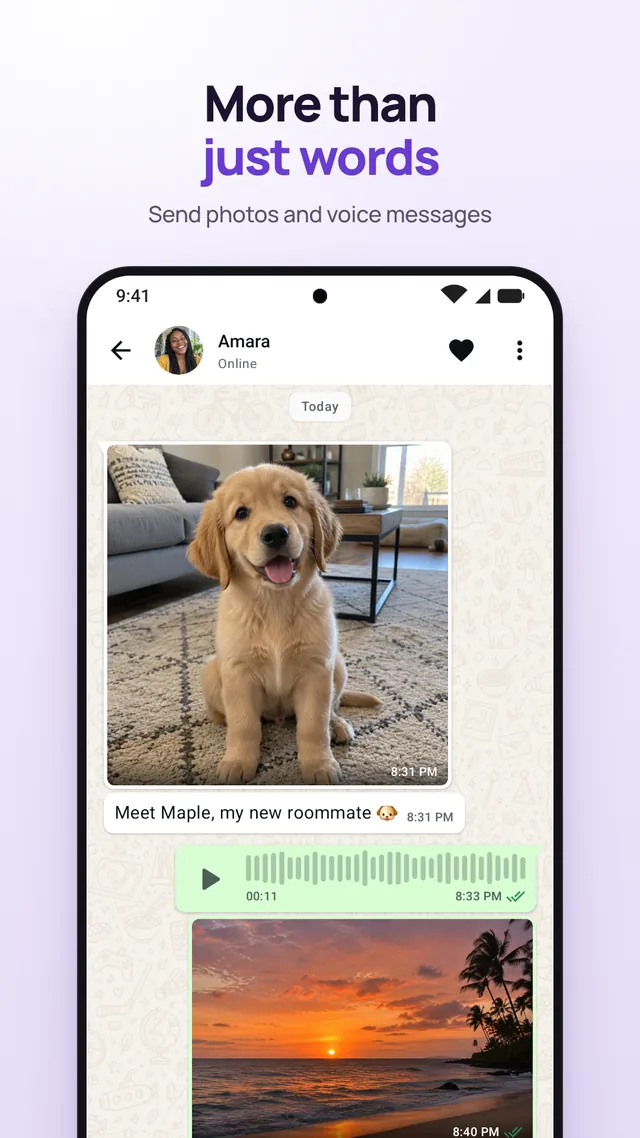
More than just words
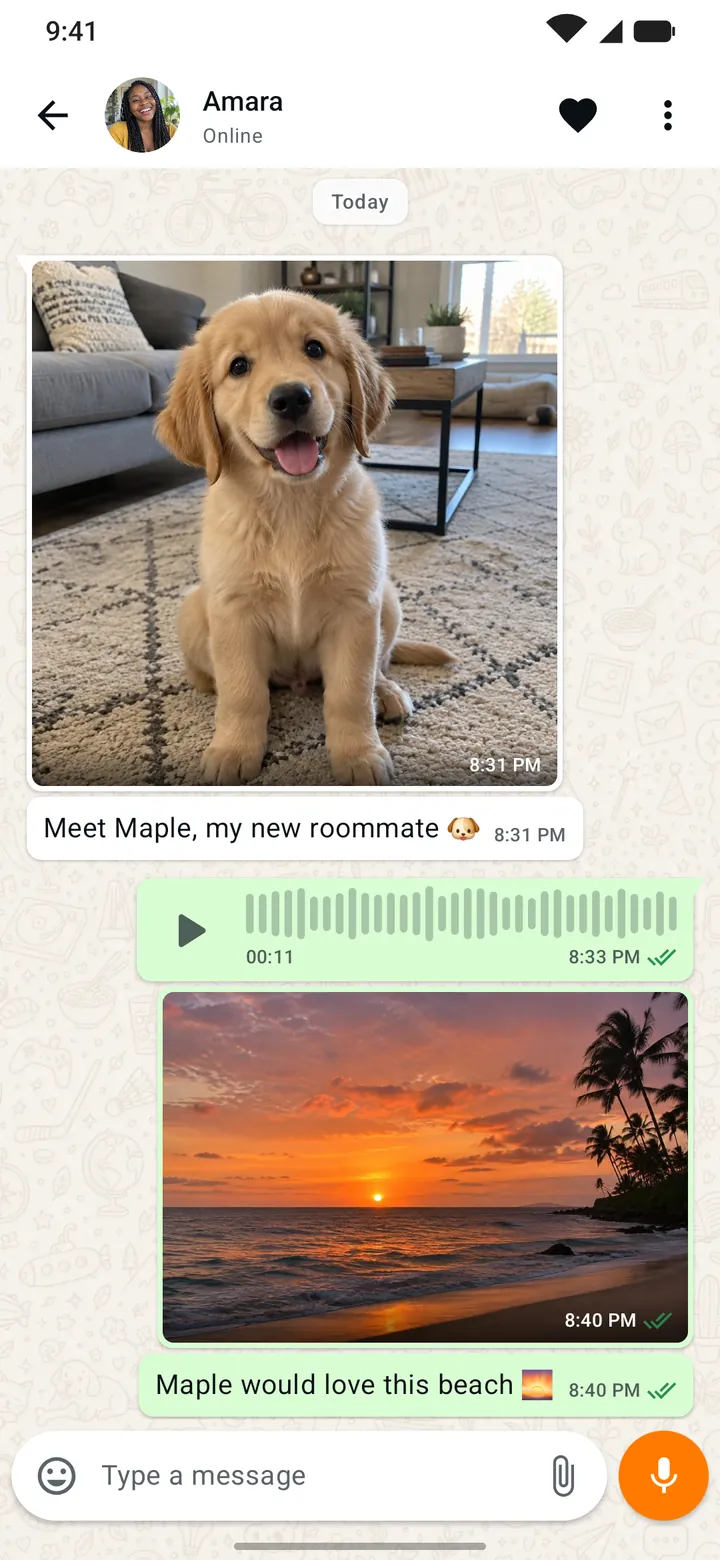
Send photos and voice messages for everything a text can't say.
 Random one-on-one chat
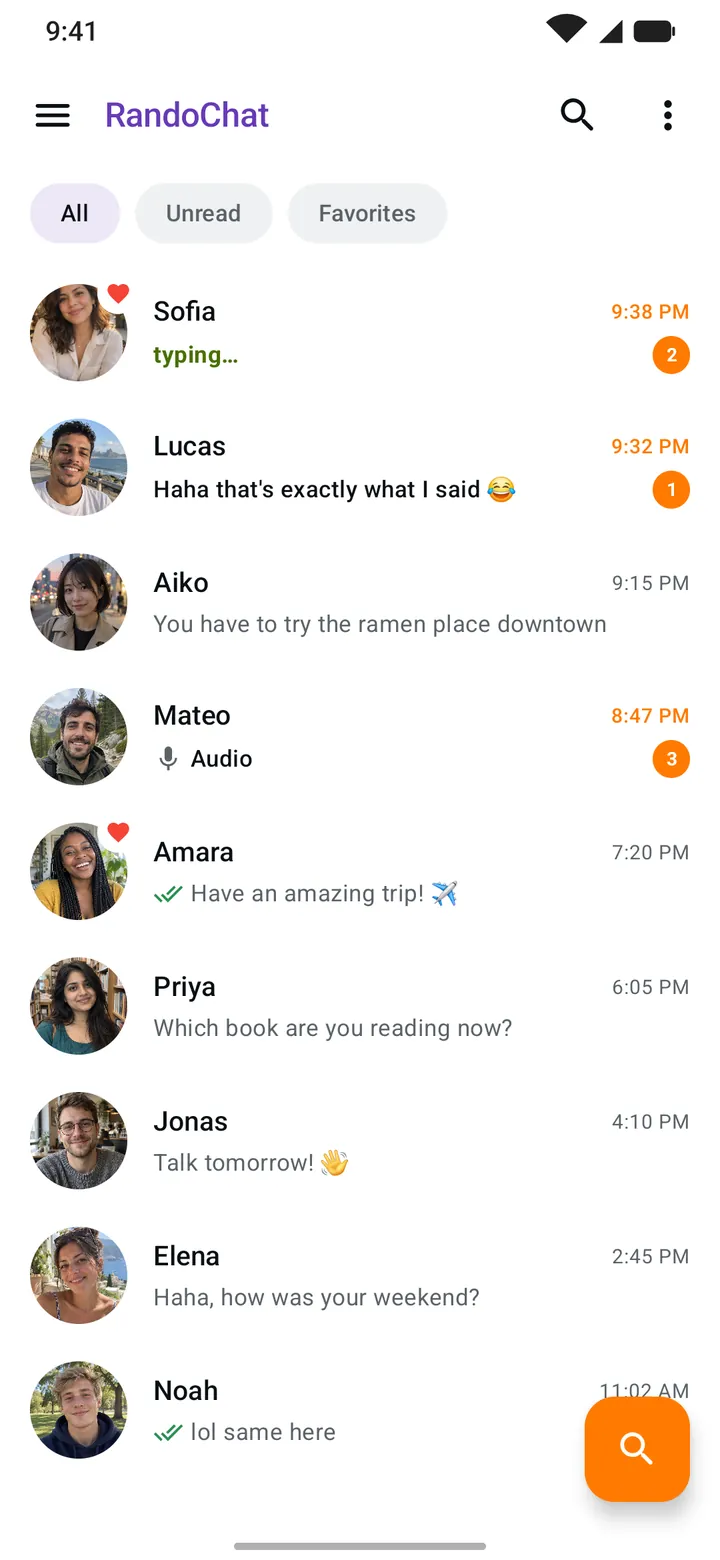
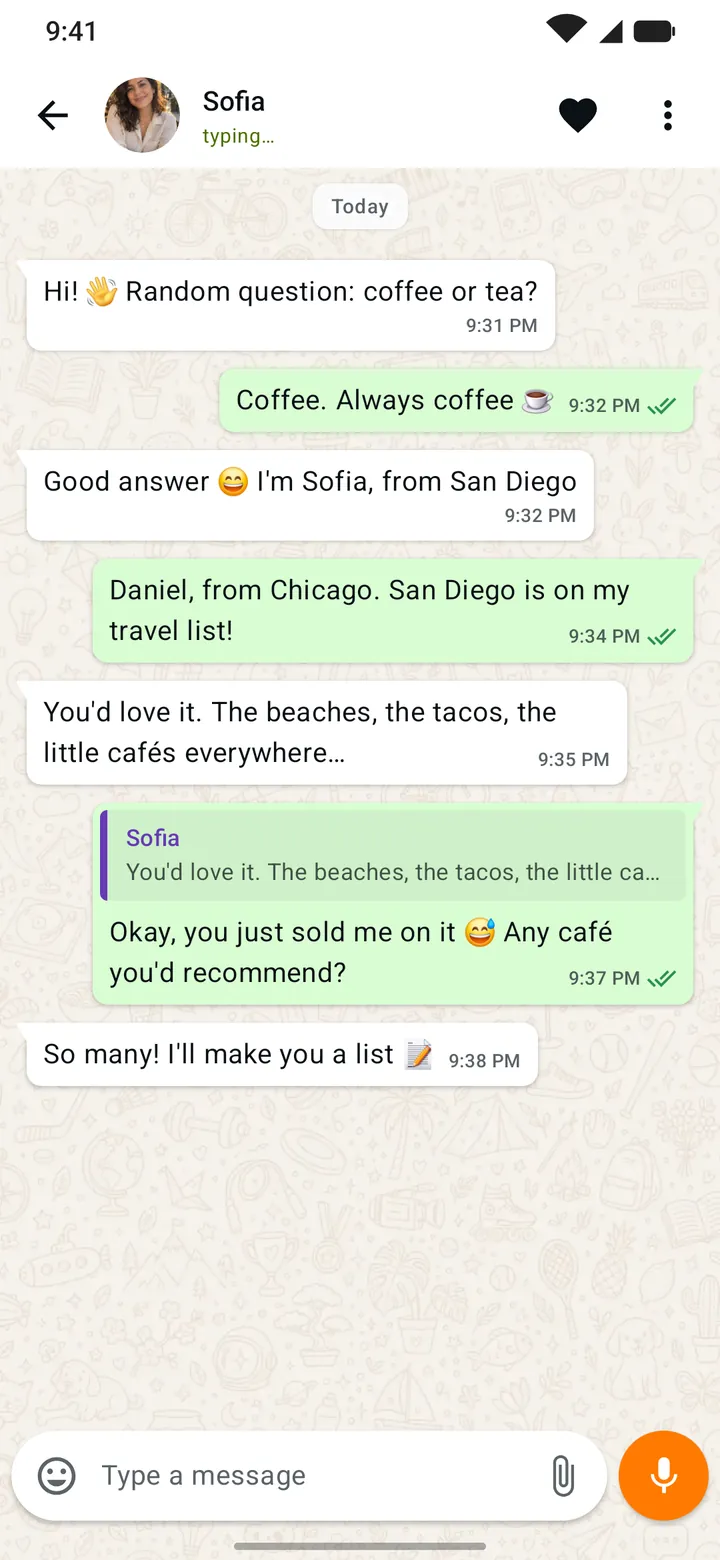
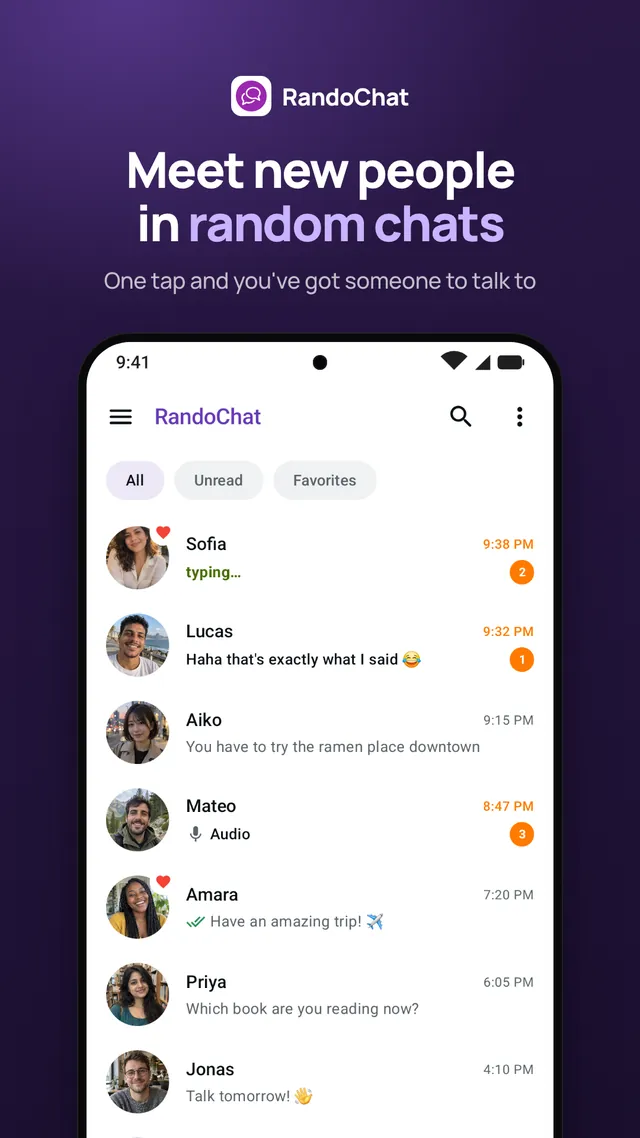
RandoChat finds someone new for you to talk to, one-on-one. Say hi and see where the conversation goes. Any time of day, there's someone to talk to.

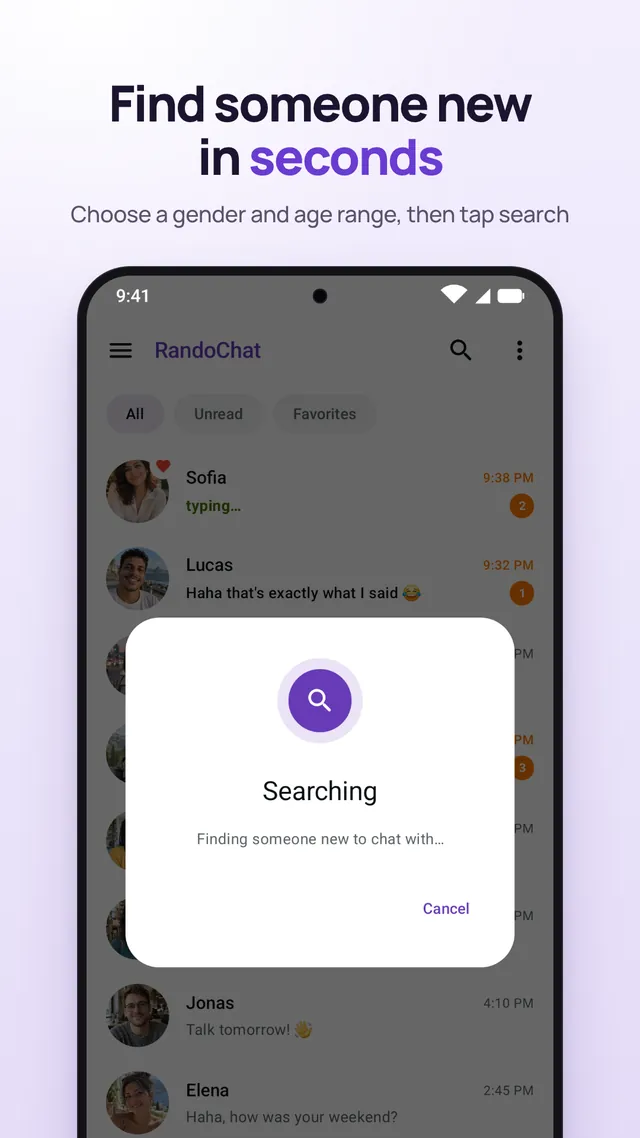
Tell RandoChat who you'd like to meet and it finds someone for a one-on-one conversation.
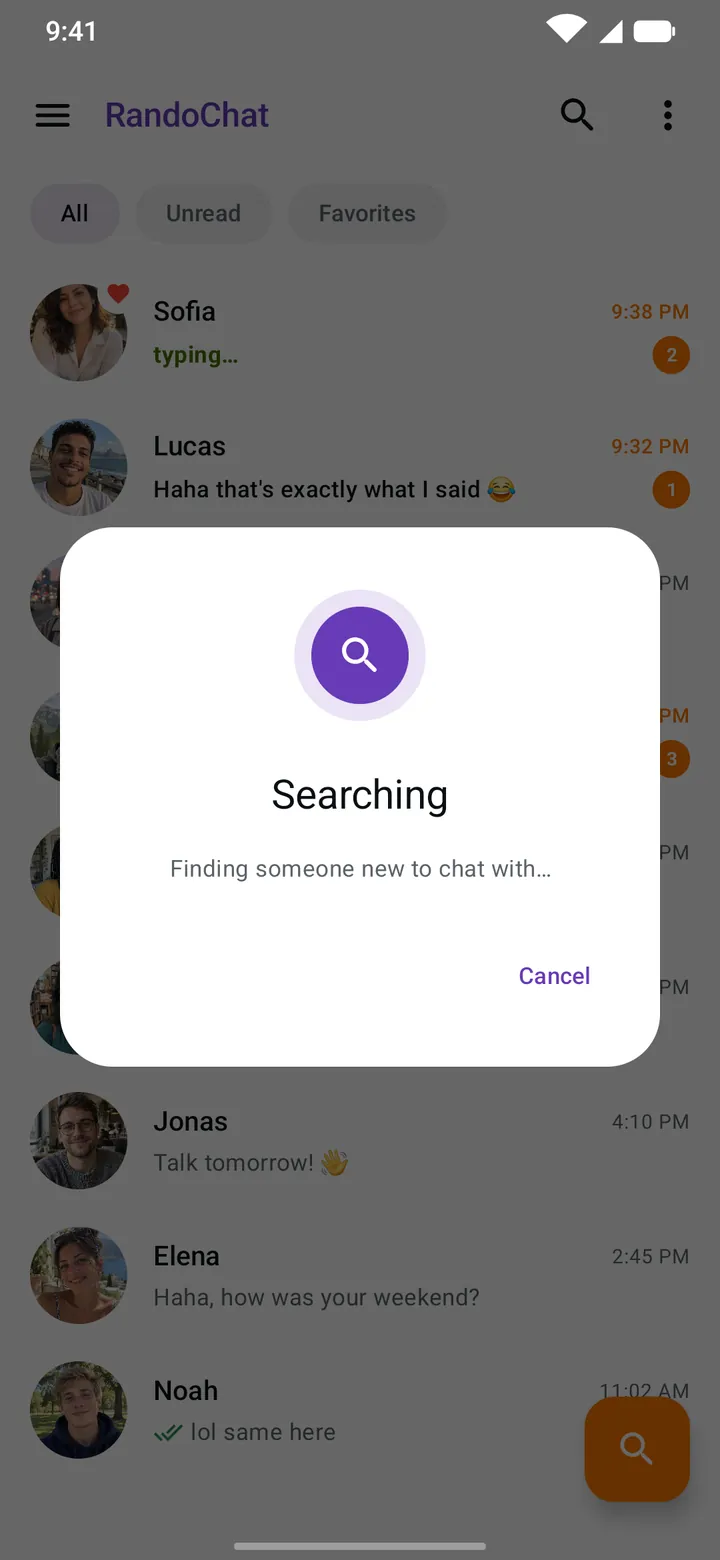
Pick a gender and an age range.
RandoChat finds someone new for you in seconds.
Start chatting and see where the conversation goes. Maybe a new friendship is waiting to start.
Everything you need to start a conversation and keep it going.
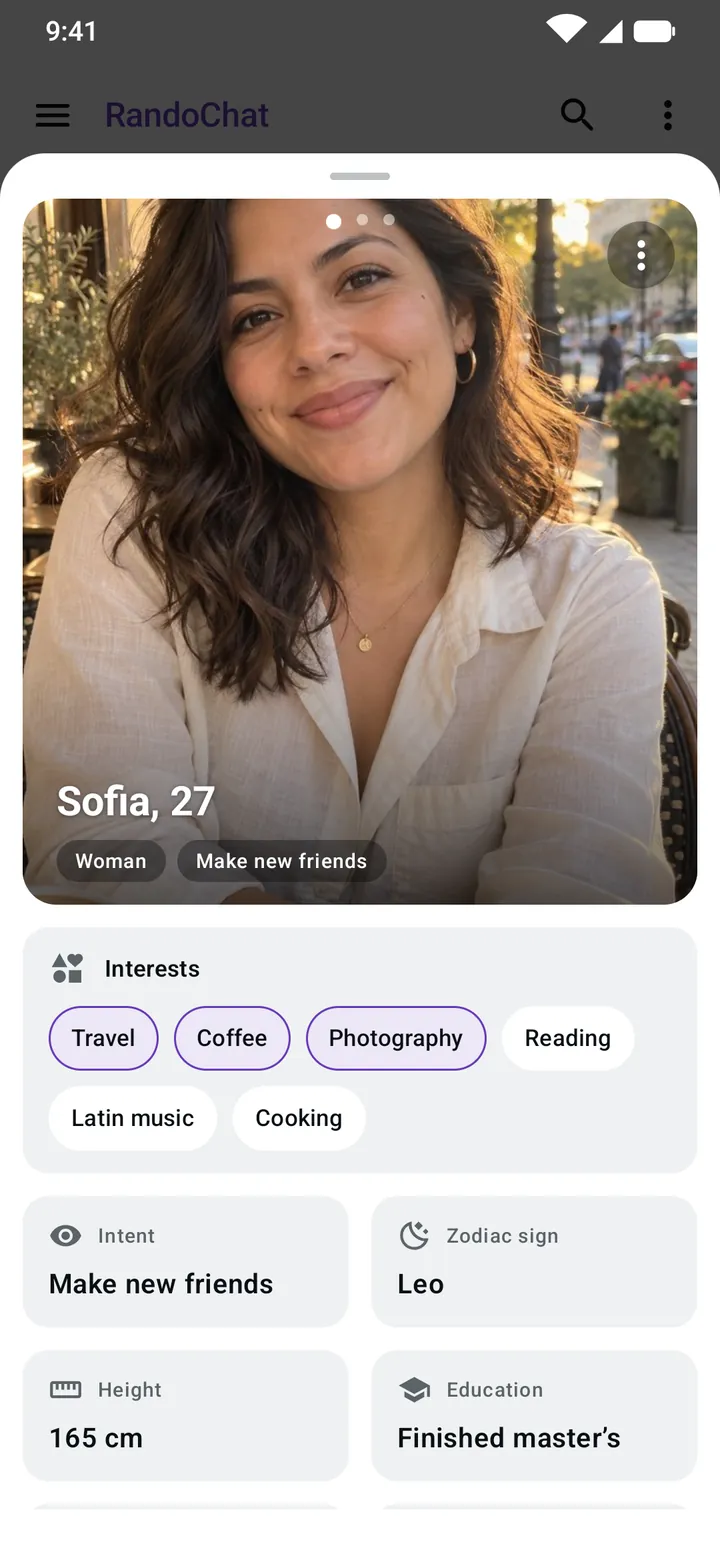
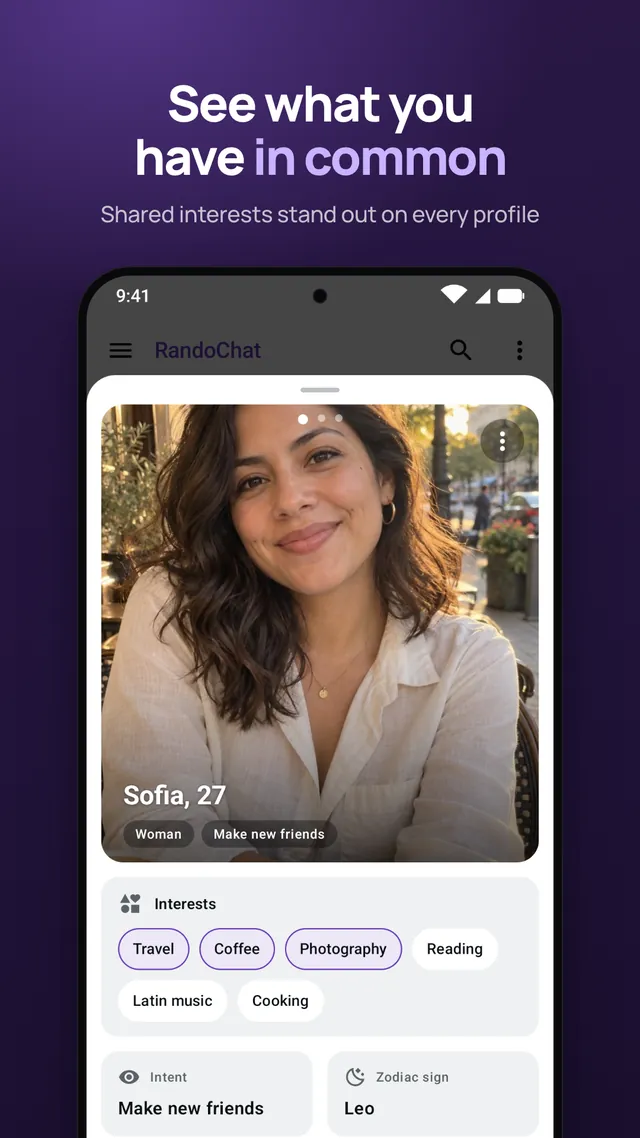
Profiles show photos, interests and what each person is looking for. The interests you share are highlighted, so you always have something to talk about.
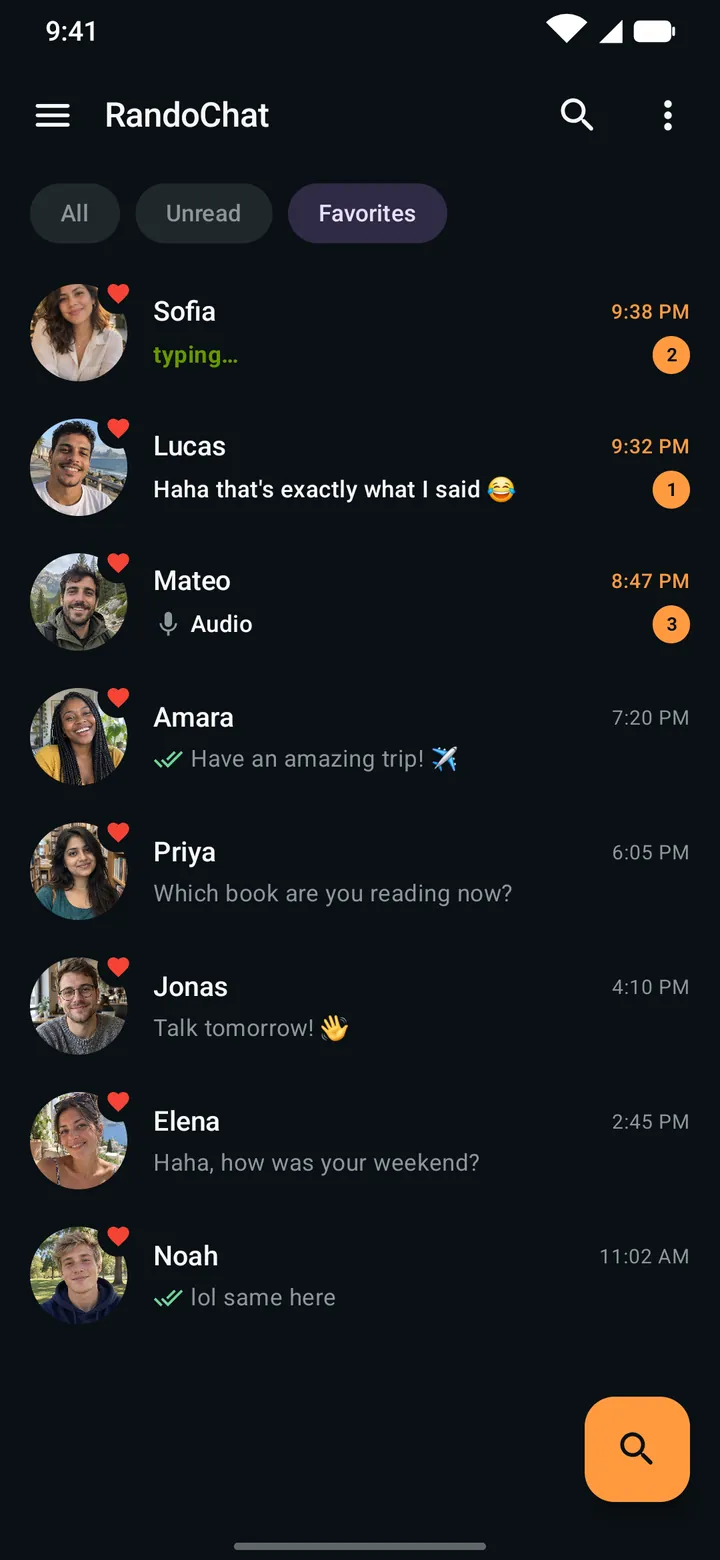
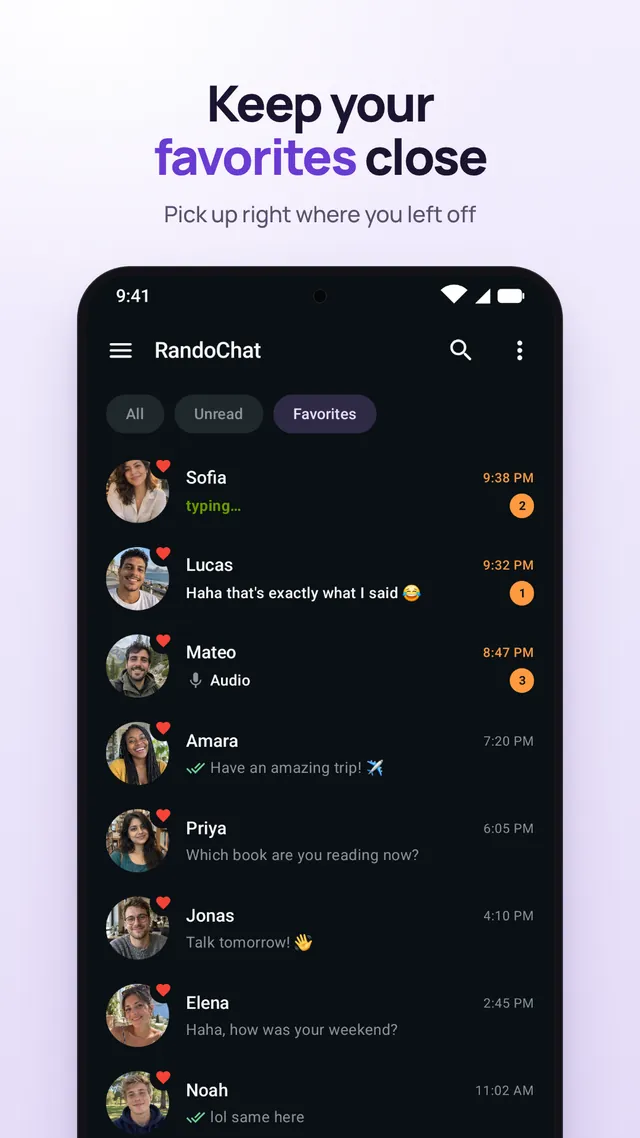
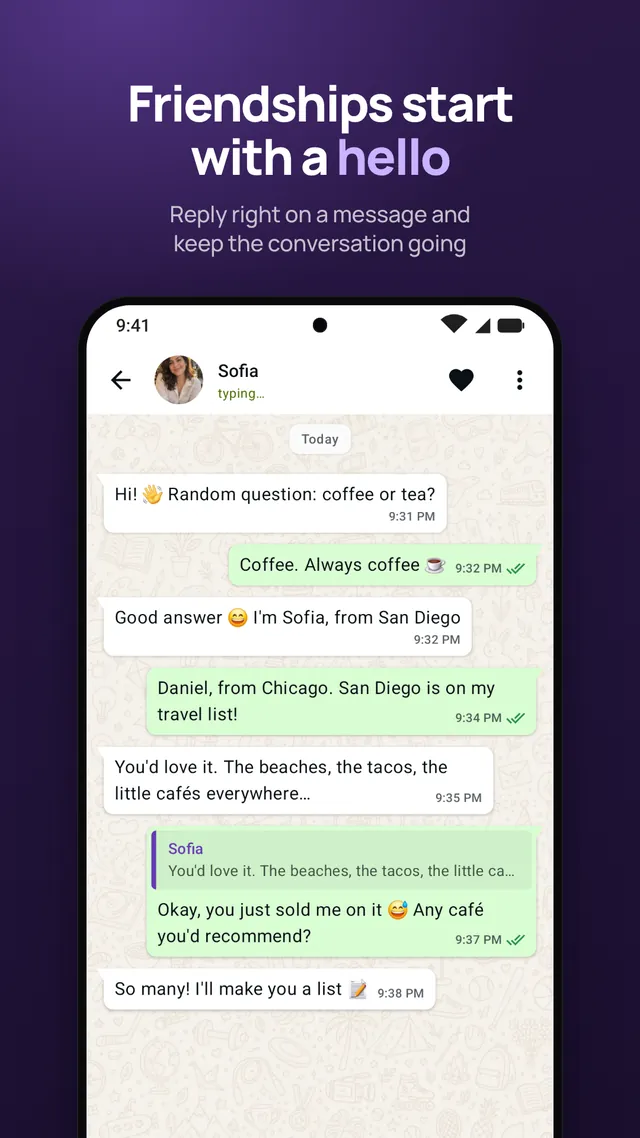
Clicked with someone? Save them to Favorites and pick up right where you left off. Reply right on a message to keep every conversation flowing.
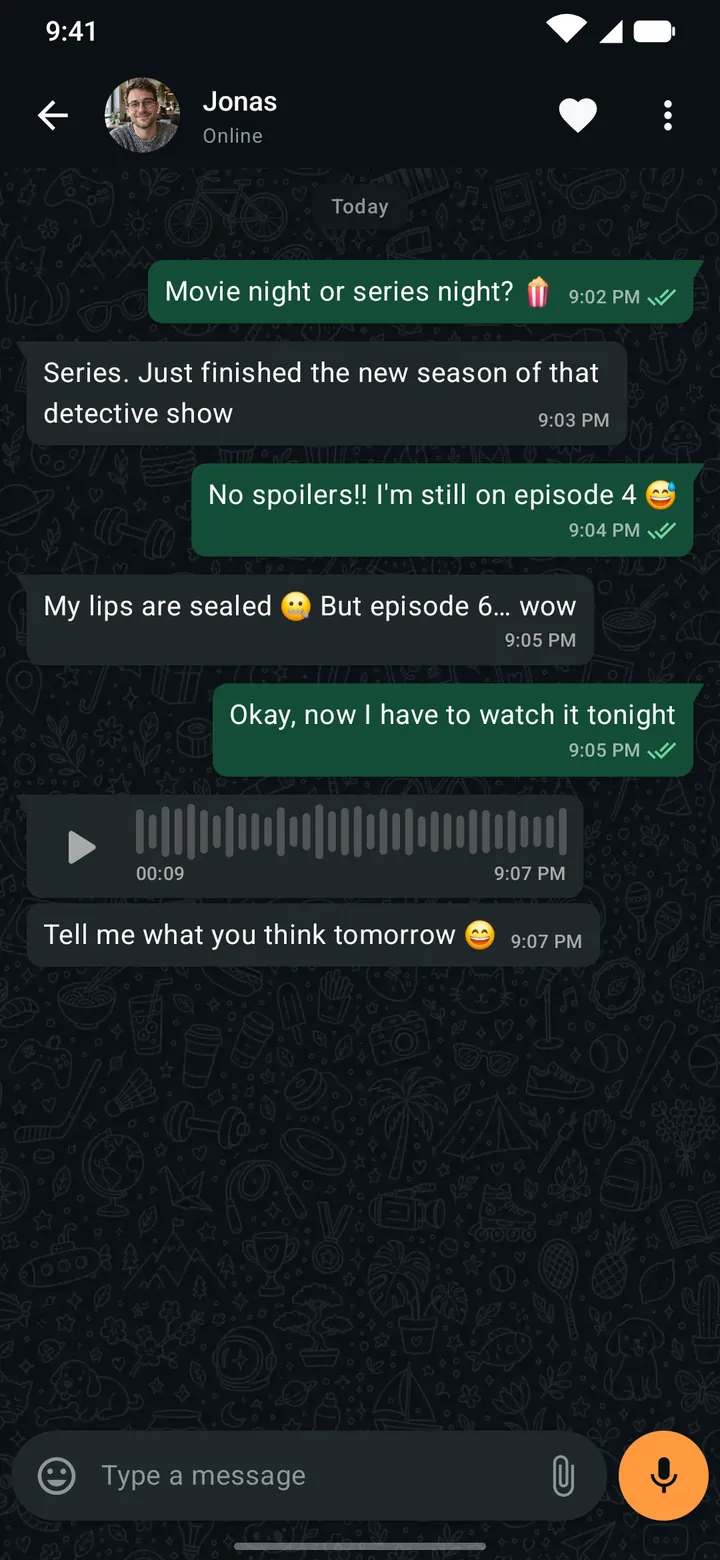
Send photos and voice messages for everything a text can't say.
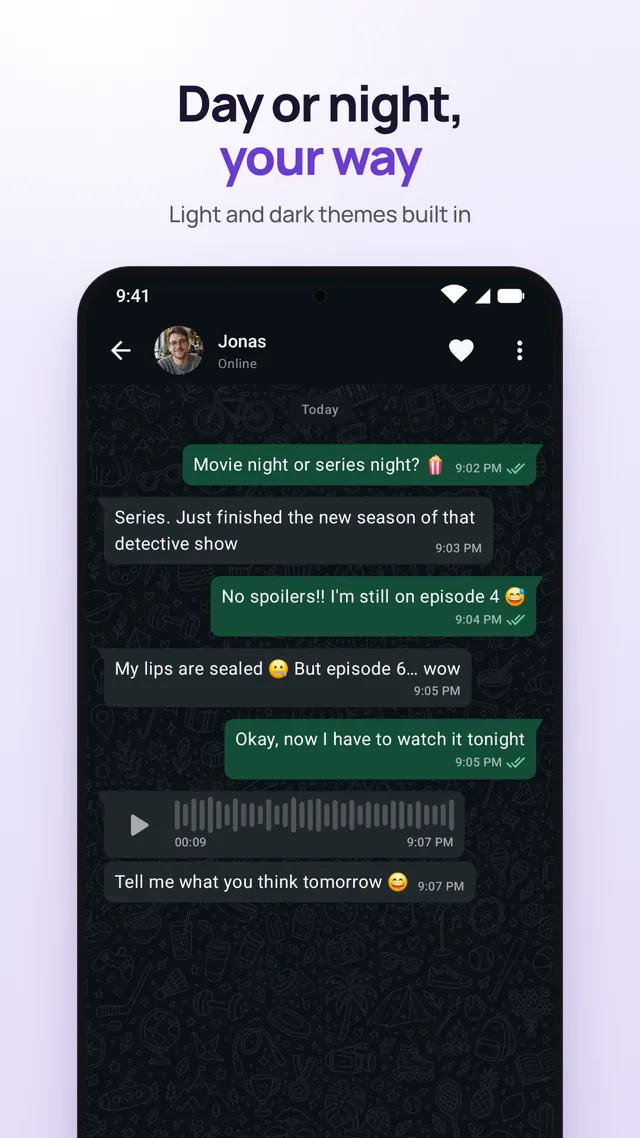
Light and dark themes are built in. Pick the one you like, or follow your phone's setting.
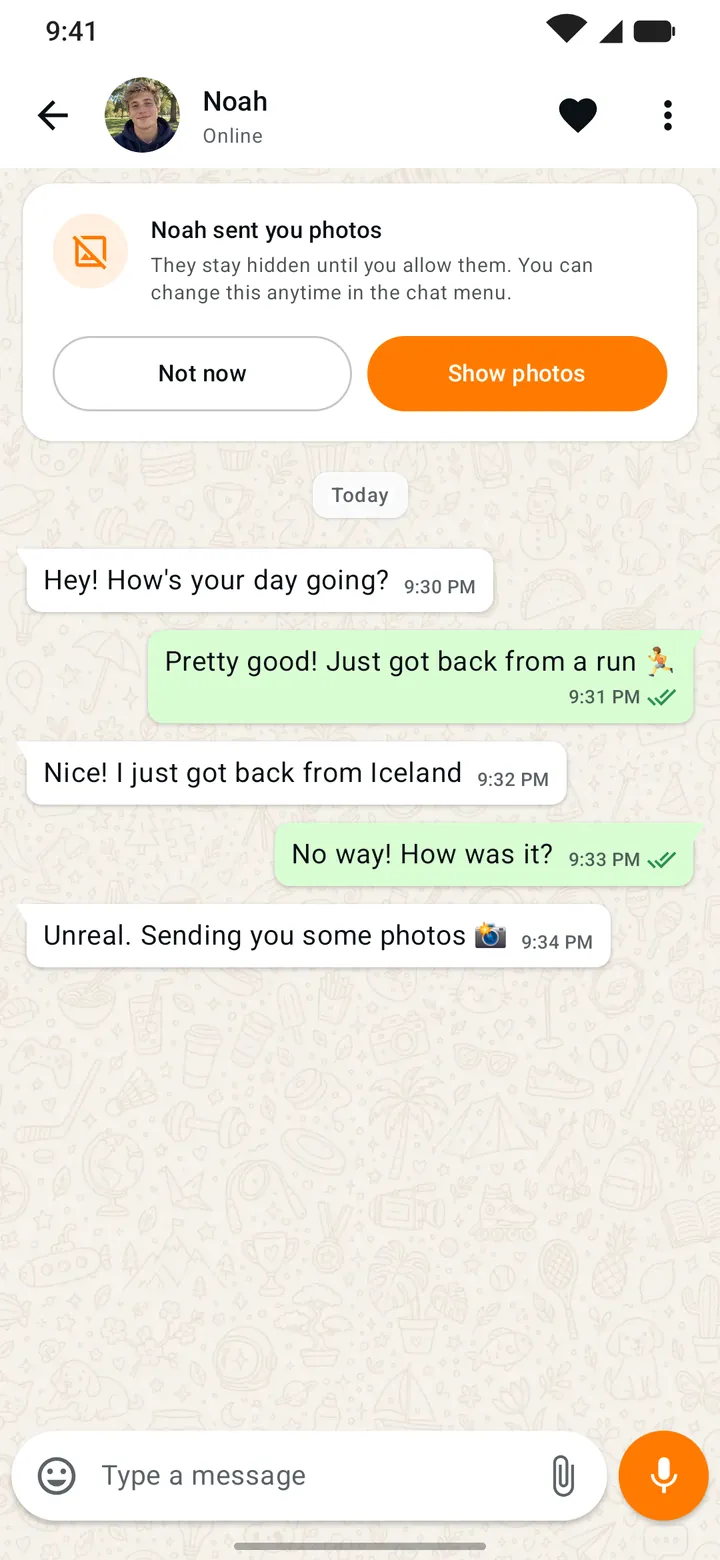
Pick a nickname and share only what you want about yourself. These tools help keep every conversation respectful.
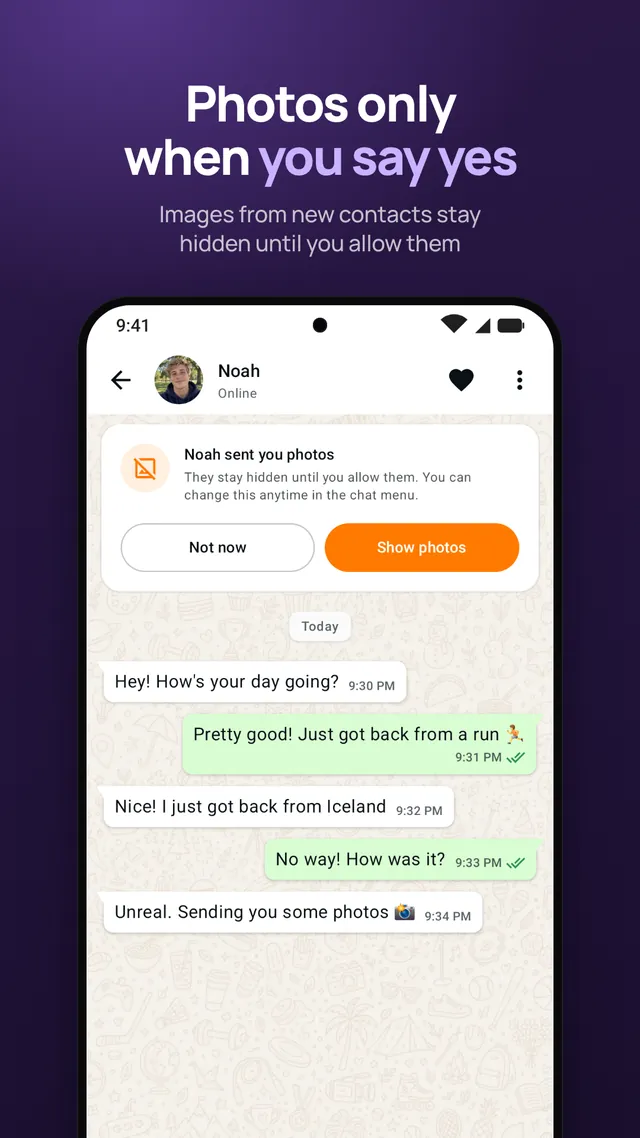
Images from new contacts stay hidden until you allow them.
Report or block anyone right from the chat or their profile.
Our moderators review reports and profile photos to keep RandoChat safe and respectful.
RandoChat is for adults 18+. Nudity, offensive content, harassment and spam aren't allowed.
The essentials about RandoChat. Can't find what you're looking for? Get in touch.
Write to randochat.app@gmail.com
Yes. RandoChat is free to download and use, with ads. An optional subscription removes the ads.
RandoChat connects you with someone new for a one-on-one conversation. Choose a gender and an age range to shape who you meet, then tap search.
RandoChat is for adults 18 and over. Accounts that break the community rules, including underage accounts, can be blocked permanently.
Not at the moment. RandoChat is currently unavailable for download on the App Store. On Android, you can get it on Google Play.
Open the menu in the chat or on the person's profile and choose to report or block them. Our moderators review every report.
In the app, go to Settings and tap Delete Account under My Account. See the step-by-step guide.
Download RandoChat for free on Google Play.
The iPhone app is currently unavailable for download on the App Store.